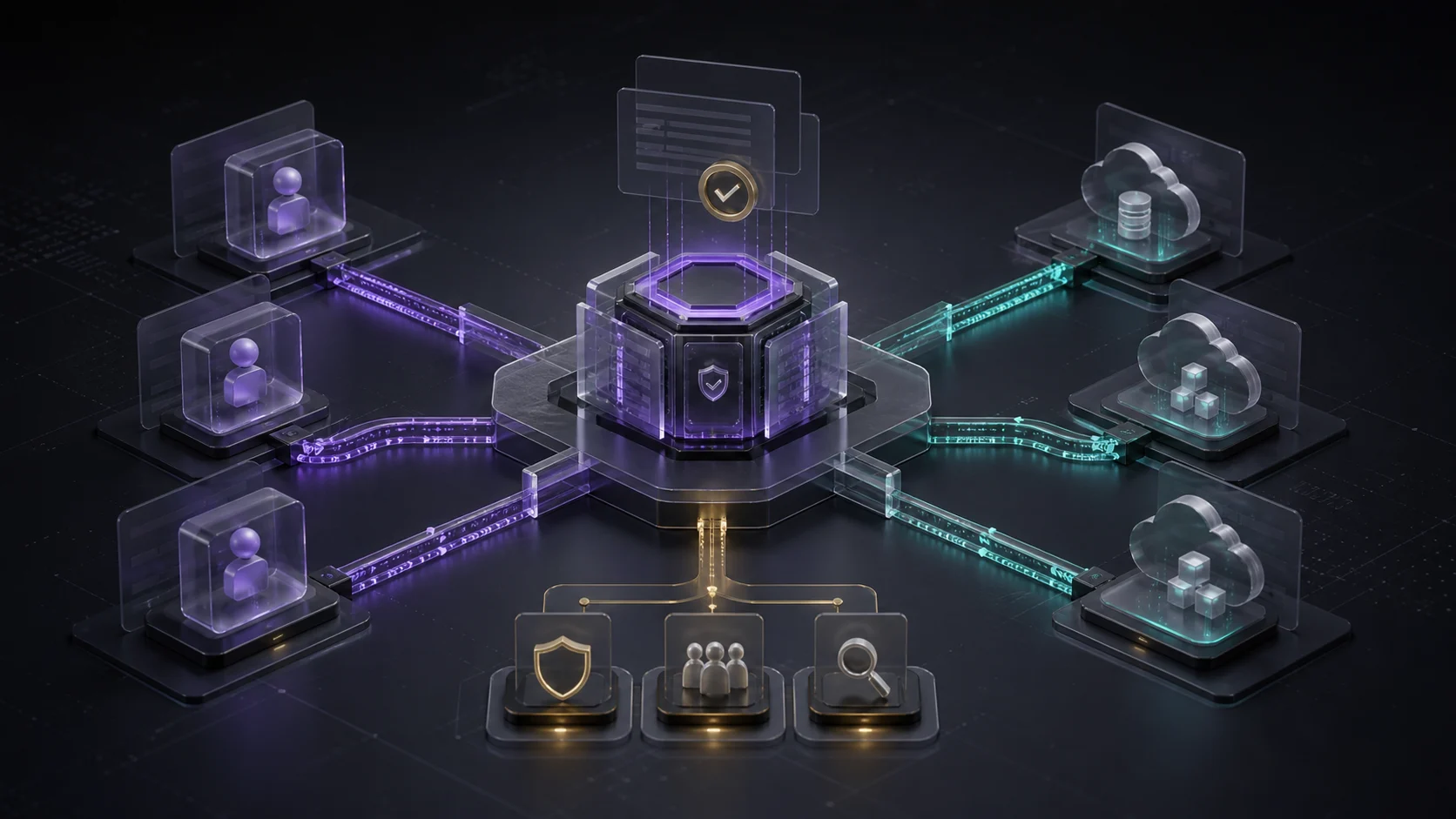
Google Cloud's remote MCP server for Gemini Enterprise Agent Platform is a useful signal for Australian SMBs. AI agents are moving from chat windows into workflows that can call tools, touch cloud assets and interact with business data. That makes tool access a governance decision, not just an integration task.
Why does remote MCP matter for AI agents?
Google Cloud announced the Gemini Enterprise Agent Platform remote MCP server on 1 July 2026. Google's post describes it as a secure bridge between external agent environments and Google Cloud resources, using the open MCP specification.
The important shift is practical. If a team builds agents in external environments such as Antigravity CLI or Claude Code, the remote MCP server can let those agents interact with Agent Platform resources. Google gives examples including Model Garden models, shared prompt templates and Notebooks.
For a business leader, the question is no longer only which model to use. It is which tools an agent may reach, under which permission model, and how those decisions are reviewed before automation reaches customer data, files, content systems or operational workflows.
What governance controls did Google highlight?
Google's announcement points to three controls that matter beyond the technical release: a standardised MCP interface, Agent Registry for central discovery and management, and Cloud IAM Deny policies to restrict which resources external development frameworks can access.
That combination is the part SMBs should pay attention to. A governed agent platform is not simply a wider connector catalogue. It is an operating layer where tools are inventoried, access is constrained and sensitive actions can be separated from everyday drafting or research work.
Practical Control Point
Agent governance starts with the tool list. Before giving an AI workflow access to cloud systems, define what it can read, what it can draft, what it can change, and where a person must approve the next step.
How does Agent Platform change the build pattern?
Google's Agent Platform documentation states that teams can deploy agents built with multiple frameworks, including Agent Development Kit, Agent2Agent, LangChain, LangGraph, AG2 and LlamaIndex. The same documentation notes that agents run in a managed environment, so developers should separate initialisation logic from execution logic and understand object serialisation constraints.
The documentation also describes an Agents API path for configuration-built agents that run in a secured Linux-based sandbox and use tools and skills through an Antigravity harness. Google Cloud release notes separately record Managed Agents API on Agent Platform as released in Preview on 19 May 2026, describing autonomous agents running in a fully managed and isolated sandbox environment.
For SMBs, this points to a more mature build pattern: agents should run with defined permissions, isolated execution and clear tool boundaries. That is a better foundation than letting each department connect separate AI tools directly to shared data stores.
What should SMBs do before connecting agents to tools?
- Inventory every tool the agent could use. Include CRM, Google Drive, forms, email, website CMS, analytics, scheduling tools, finance systems and cloud resources.
- Split permissions by action risk. Separate read-only access, draft creation, internal updates, external publishing and destructive changes.
- Start with human approval. Let agents prepare work, but require review before sending client messages, updating records, publishing content or changing system settings.
- Centralise access decisions. Use a simple registry or approval record so the business knows which agents exist, which tools they touch and who owns them.
- Log outcomes and exceptions. Track what the agent attempted, what was approved, what failed and what needs tighter boundaries.
Where should an SMB start?
Start with a narrow workflow where the business value is visible and the permission risk is low. A good first candidate might read submitted forms, draft a response, summarise customer context or prepare a content update for approval. Avoid giving an early agent direct authority to publish, delete, invoice, refund or modify sensitive records.
The goal is not to slow AI adoption. It is to avoid giving a new workflow the equivalent of admin access before the team has defined its job. RxAI helps Australian businesses design these agent workflows with governance built in from the first step. Explore our AI automation and consulting services, or use the contact page to map a controlled agent rollout.
Sources
- Google Cloud Blog - Build agents faster with Gemini Enterprise Agent Platform's remote MCP server
- Google Cloud Documentation - Create an agent
- Google Cloud Documentation - Gemini Enterprise Agent Platform release notes
- Google Cloud Blog - What Google Cloud announced in AI this month
Frequently Asked Questions
It is a Gemini Enterprise Agent Platform component that lets external agent environments connect to Google Cloud resources through a standardised MCP interface.
MCP can make tool access easier, but easier access also increases operational risk. SMBs should define which tools agents can read, draft with or change before workflows touch business systems.
No. The practical lesson is the opposite: start with a narrow tool list, clear permissions, human approval and logging before expanding automation.
A low-risk workflow that reads information and prepares a draft for approval is a stronger first step than one that directly publishes, deletes, invoices or modifies sensitive records.
Want This Applied to Your Business?
RxAI offers a free 30-minute consultation to map how these strategies fit your operations. No obligation, no sales pitch.
Book Free Consultation